A handheld ultrasound probe is only half a system. The other half is the screen it talks to. Getting the two to connect, then to keep them connected through an exam, is the setup that decides whether the device is a joy or a daily fight. This piece walks through how a probe links to an iPad, an Android tablet, or a Windows machine, and how to set each one up to make it simply work.
Connection comes before everything else.
A probe with a perfect picture is useless if it cannot reach a screen. The first thing a buyer learns is the connection. The first thing a clinic gets right is the setup. The rest of the device’s value waits behind that link.
Two ways a probe connects
A probe reaches its screen by one of two paths. It plugs in by cable, or it talks over a radio. The choice shapes the whole setup, and it pays to know before the device arrives. Wired is simple. Wireless is free. A wired probe plugs straight into the tablet’s port. There is nothing to pair, nothing to charge, no radio to drop. The cable carries power and picture together. A wireless probe carries its own battery and sends the image over a private radio link. The scanning hand is free of any leash, at the cost of a pairing step and a charge to watch. Neither path is the right one for every clinic. The wired probe suits a fixed bench. The wireless probe suits the bedside, the field, the cramped resuscitation bay.
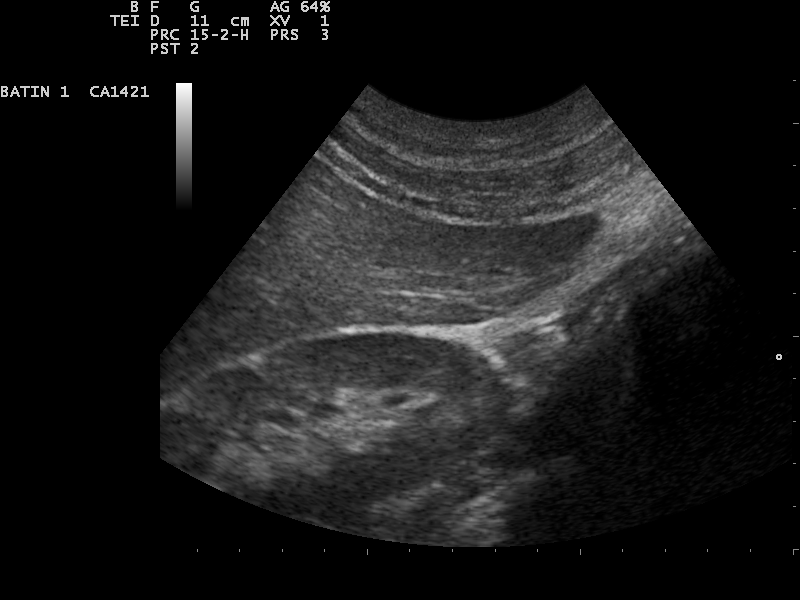
The probe streams its picture to the tablet over the connection. (Nevit Dilmen (talk), CC BY-SA 3.0, via Wikimedia Commons)
Setting up on an iPad
The iPad is the commonest screen for a handheld probe. The setup is short. Install the maker’s app from the store. Open it. For a wired probe, plug it into the port. Confirm the prompt that lets the app use it. For a wireless probe, charge it, switch it on, then pair it inside the app over its private link. The port is the one thing to check first.
Older iPads use Lightning. Newer ones use USB-C. A wired probe carries one plug. The buyer matches the probe to the iPad in hand. A wireless probe sidesteps the port entirely. The app does the rest. It walks the clinic through the pairing, asks for the permissions it needs. It remembers the probe for next time. A clinic that sets the app’s permissions once, on first use, rarely touches them again.
Setting up on Android
Android follows the same shape, with one extra care. Install the app. Connect by cable or pair by radio. Grant the permissions the app asks for. The steps mirror the iPad. The difference sits underneath, in the sheer spread of Android devices. Android is many devices, not one. A maker tests its app on a chosen set of Android tablets and phones, never the whole field. So the first setup question on Android is whether the tablet is on that tested list. A device on the list connects the way the manual promises. A device off it may connect, may stutter, may refuse the probe outright. A clinic on Android confirms its exact model against the maker’s tested set before it builds a workflow around the tablet. The setup itself is no harder than the iPad. The choice of which tablet to set up on takes more care.
Setting up on Windows
Windows is the path for a clinic that wants a larger screen or a desktop workflow. A laptop or a Windows tablet runs the maker’s program in place of a phone app. The probe connects by USB, or by the same wireless link, into software built for the bigger machine.
Windows trades portability for room. The larger screen shows more detail at once. The desktop keyboard and mouse speed the paperwork around a scan. Against that, a laptop is no longer a pocket device. The Windows path suits a fixed room more than a bedside round. The setup adds a driver in some cases, a step a phone never needs. A clinic choosing Windows reads the maker’s notes on which versions of the operating system the software supports, the same way an iPad clinic reads the iOS list.
What happens when a probe pairs
The pairing tap hides a chain of events that rewards understanding in full, since nearly every connection problem a clinic meets traces back to one link in that chain. When a clinician opens the app and asks it to find the probe, the tablet begins to listen on a radio band the probe also uses. The probe, switched on and charged, announces itself on that band. The two recognise each other by a stored identity, set when the clinic first paired them, which keeps a probe from connecting to a stranger’s tablet in the next room. Once they agree, the probe begins to stream. It compresses each ultrasound frame, since a raw frame is far too large to send many times a second over a wireless link. It sends the compressed frames in order, and the tablet rebuilds and displays them. A small, deliberate delay sits in this chain, the price of compressing and sending a live picture without a stutter. A faster link spends that fraction on a sharper frame. A thinner one spends it on keeping the picture alive at all, dropping detail to hold the stream together. The radio band is shared with other devices, with walls, with the body of a patient between probe and tablet. The link thins if any of those crowd it. A thinned link shows as a lag or a dropped frame, never as a clean failure, which is why a stuttering picture often means a connection problem ahead of a faulty probe. The whole chain runs in a fraction of a second, again and again, for as long as the scan lasts. A clinic that pictures this chain reads its own connection troubles correctly: a probe that will not pair has failed at the recognition step, a picture that stutters has failed at the streaming step. A link that drops after minutes has usually run the battery low or wandered too far from the tablet.
The chain is invisible until it breaks.
When it breaks, knowing the steps turns a mystery into a checklist. Charge the probe. Bring the tablet close. Clear the band of other demands. Re-pair if the stored identity was lost. Each fix maps to a link in the chain, and a clinic that knows the map fixes the fault in seconds.
When the connection refuses to start
The first scan on a new device is where the bulk of connection trouble shows up. The probe will not pair. The app cannot find it. The picture freezes a second after it appears. None of these means a broken probe. Each maps to a plain cause, and each has a plain fix. Start with the simplest cause.
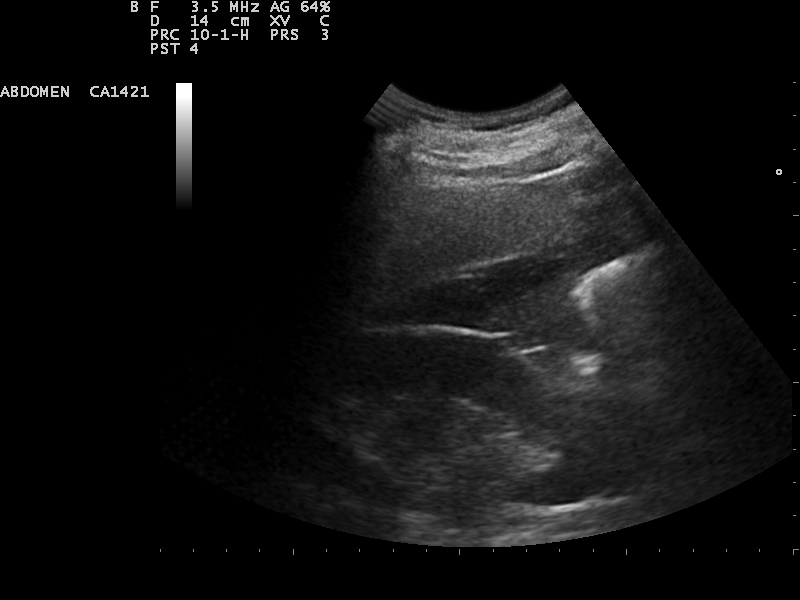
A steady link shows a clean, continuous image on the screen. (Nevit Dilmen (talk), CC BY-SA 3.0, via Wikimedia Commons)
A probe that will not appear is usually flat. Charge it fully, then try again. A probe the app cannot find may be paired to another tablet already, since a probe holds one link at a time. Clear that link, then pair fresh. A picture that freezes points at a crowded radio band or a tablet held too far away. Move the tablet close. Clear the band of other demands. The stream steadies. A clinic that runs this short list in order, simplest cause first, clears nearly every connection fault in under a minute. The instinct to blame the hardware sends a working probe back to the maker for a problem a charge and a re-pair would have fixed. The fault is rarely in the probe. It is in the link, and the link answers to a handful of plain remedies.
Wired or wireless, chosen for the room
The connection choice is a choice about the room, settled before the picture enters. Both paths show the same image. They differ in how they fit a clinic’s space and rhythm. A clinic that picks the wrong one fights its own setup every day. Match the link to the work.
A wired probe fits a fixed bench, a teaching station, a setting where the tablet never moves. It never drops, never needs a charge of its own, never asks to pair. A wireless probe fits the bedside, the round, the cramped bay where a cable would tangle. It frees the scanning hand and reaches a tablet propped across the room. A clinic that scans in one fixed spot gains nothing from the wireless freedom, and loses the simplicity of a cable. A clinic that scans on the move gains everything from it. It would curse a cable within an hour. The choice is not about which is better in the abstract. It is about which fits the place the scanning happens, and a clinic that names that place first chooses the link that disappears into the work.
Keeping the connection healthy
A connection that worked on day one can fade over months. The causes are few, and each has a habit that prevents it. A drained probe weakens its own radio. A crowded room thins the band. A phone moved across the room stretches the link past its design. None of these is a fault in the device. Three habits keep the link solid. Keep the probe charged, since the radio leans on the same battery the scan does. Keep the tablet within arm’s reach, since the link was built short on purpose. Hold the operating-system update until the maker clears it, since an update can break the app the connection depends on. A clinic that builds these three habits rarely meets a connection problem. One that ignores them blames the device for faults of charge, distance, and timing.
Where the study goes after the scan
A connection is not only probe to screen. It is also screen to record. An exam captured on a tablet has to leave it, into the patient’s chart, to a colleague, into the archive the clinic keeps. The connection that matters above the rest over a year is this second one, the one that carries the study onward. An image trapped on a tablet is half an exam.
A device that exports over the standard medical-imaging protocol folds into the systems a clinic already runs. The study lands in the record without a clinician retyping a thing. A device that locks images inside its own app forces a manual step at every scan, and a manual step skipped becomes a gap in the chart. A clinic setting up a new probe tests this path on the first day, well before the hundredth. Confirm a study reaches the record cleanly, on every tablet the clinic uses, before the device joins the daily round.
Setting up to last
A probe outlives a tablet. The connection a clinic builds today will face new tablets, new operating systems, new app versions across the device’s life. A setup that assumes today’s tablet forever is a setup that breaks at the first upgrade. Build the connection to survive change.
Favour a probe whose maker keeps the app current across new tablets and new operating systems. Favour the wireless path where a clinic runs a mix of devices, since one wireless probe serves many screens with no plug to match. Document the setup. A new staff member can then pair a probe without a call for help. The connection is the quiet foundation under every scan. A clinic that builds it once, with care, and tends the few habits that keep it healthy, forgets it is there. A clinic that treats it as an afterthought spends its mornings fighting a link that should have simply worked. The probe gets the blame. The setup deserves it. An hour of care on the first day, spent matching the tablet, granting the permissions, testing the path to the record, buys a year of scans that connect on the first tap. The connection rewards the clinic that respects it. It quietly punishes the one that leaves it to chance, morning after morning, scan after scan.
About the Author
Julien Mercier
Senior R&D Engineer · Medical Ultrasound Transducer Development
Senior R&D Engineer with an M.S. in Applied Physics and over 15 years of experience in medical ultrasound transducer development, specializing in the design verification and performance testing of high-frequency imaging transducers. Currently leading the development and verification of the company’s next-generation high-frequency linear-array transducer, responsible for imaging performance evaluation and reliability analysis in preclinical testing. Brings extensive hands-on experience in piezoelectric element tuning, beamforming parameter optimization, and system-level performance testing.